1. Overview
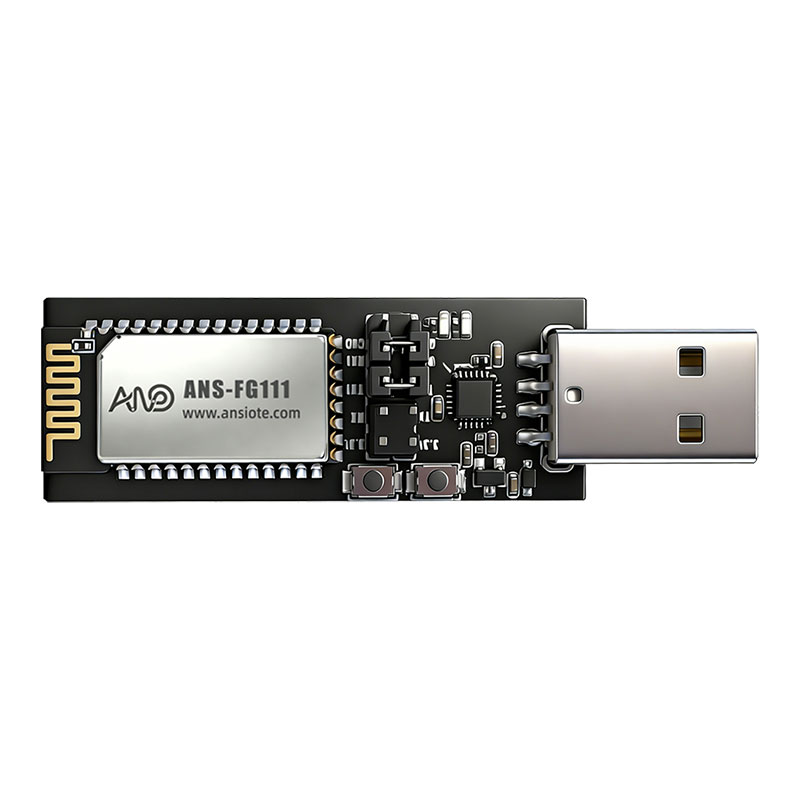
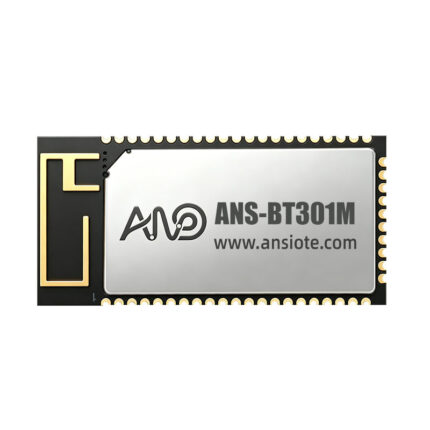
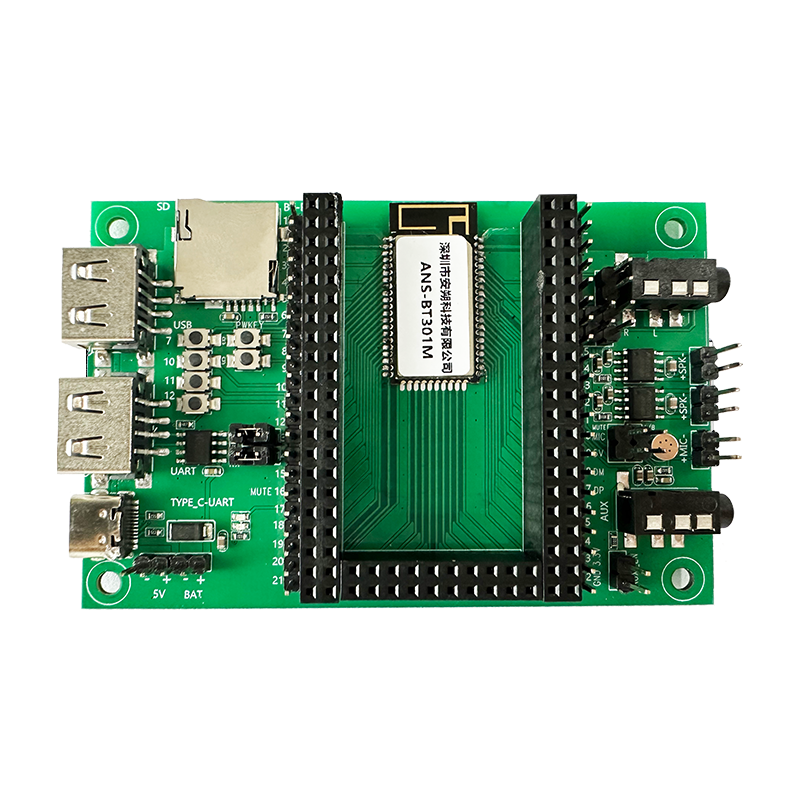
The ANS-DB003M is a USB-to-TTL serial audio development board. It supports development and debugging of boards like the ANS-BT301M. Users can read or write module configurations using AT commands via a serial debugger. For relevant commands, please refer to the user programming guide. The ANS-DB003M supports debugging audio source inputs as BT, 에게, USB, 그리고 TF 카드, and audio source output as analog output SPK. In Bluetooth input mode, it supports BLE data transmission. The ANS-BT301M supports I2S for master-slave output; testing requires an I2S program and jumper wires.
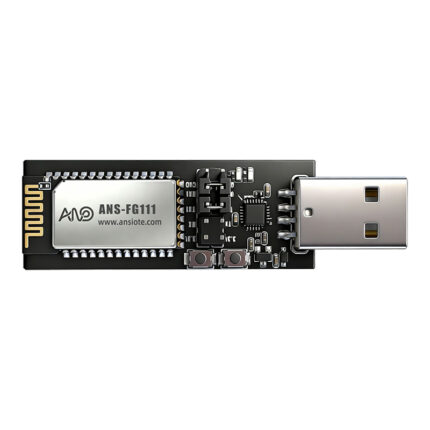
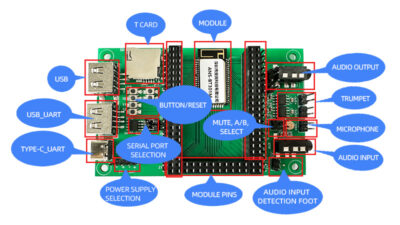
Development Board Introduction:
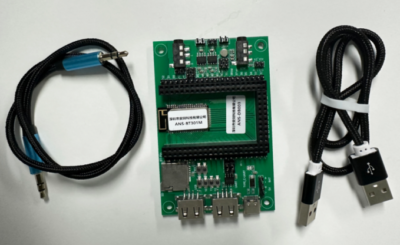
Development Board Kit:
2. Test Environment Installation
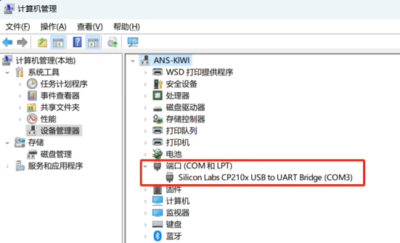
1) Install the serial port driver on the computer (CP210xVCPInstaller.exe, consult an engineer for driver information)
2) Mobile Tools
2.1. Datios Mini Program
2.2. NetEase Cloud APP, 등.
3. Test Environment Setup
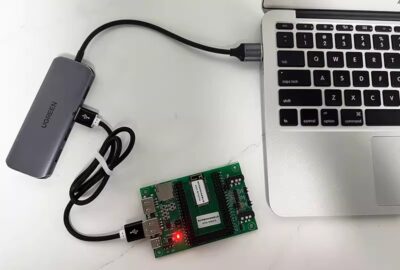
3.1. Plug the ANS-DB003M development board into the computer’s USB port; the LED indicator should remain lit.
3.2. Open “Serial Port Debugging Assistant + TCP/UDP” (Microsoft…) on the computer. (Download from store)
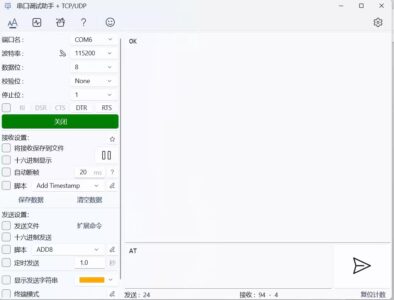
Instructions:
(1) Select the CP210X serial port number for driver installation;
(2) Select the correct baud rate (consult an engineer);
(3) Open the serial port;
4. Audio Input: BT
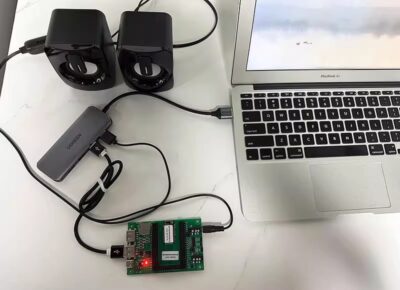
(1) The ANS-BT301M standard program defaults to BT input;
(2) Phone settings – 블루투스 – select ANS-BT301M, click connect;
(3) Open “NetEase Cloud Music” to play. To receive lyrics, send the command: AT+LYRIC=1 via the serial port tool;
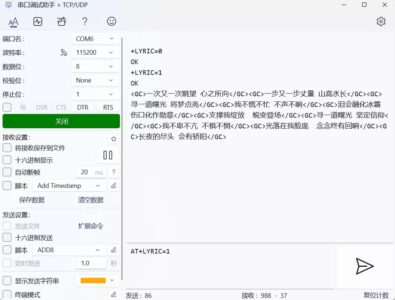
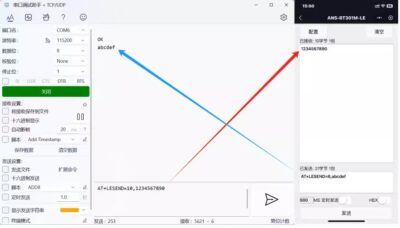
(4) Bluetooth Data Transmission: Bluetooth data transmission defaults to command mode. Taking the serial port debugging assistant and the Datios mini-program as an example of data communication, to send a data pass-through command: AT+TPMODE=1
5. Audio Source Input AUX
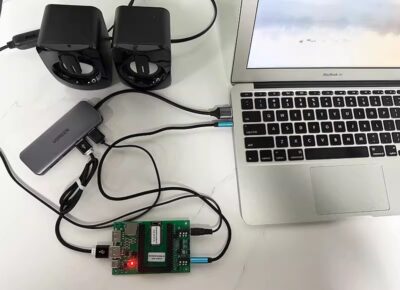
(1) Insert a 3.5mm audio cable
(2) Switch the command sending mode to AUX mode: AT+MODE=AUX
6. Audio Source Input USB
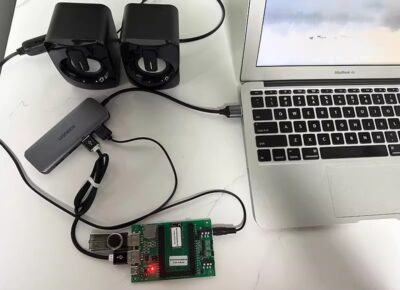
(1) Insert a USB flash drive; the songs on the USB flash drive will play automatically.
7. Audio Source Input TF Card

(1) Insert a TF card; the songs on the TF card will play automatically.